

Welcome to the "Golf Hub Webinar" Portal!
The Golf Hub Webinar will cover creating and publishing a Golf Hub Page, setting up Golf Hub registration with payments, accessing the Club Hub to show published events, and more!
Step #1: Click on Register Now in the top left of the page to register for the webinar. Once registered please see the next step to sign up for an upcoming webinar round session.

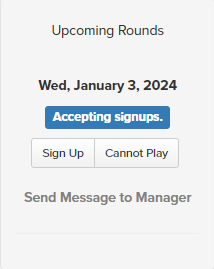
Step #2: Once registered for the webinar you may sign up for an upcoming webinar round session by selecting "Sign-Up" for an open round on the left side of the page.
Please contact the Golf Genius Support Team at supportwebinars@golfgenius.com or click on the orange Help Tab if you have any questions regarding the webinar, registering for the webinar, or signing up for a webinar round session.
Once registered and signed up for a webinar round session you will receive an email including a Zoom link on the day of the webinar to join.
Thank you,
Golf Genius Customer Support Team
